01
( Full quality )
The exact file you sent
Chat apps shrink photos to save space. Mnem0 sends the original file, byte for byte, with its name.
Original
Send photos, screenshots, PDFs and documents from your phone to your computer (and back) in a second, at full quality, up to 25 MB each. No USB cable, no emailing yourself, no cloud folders to dig through.
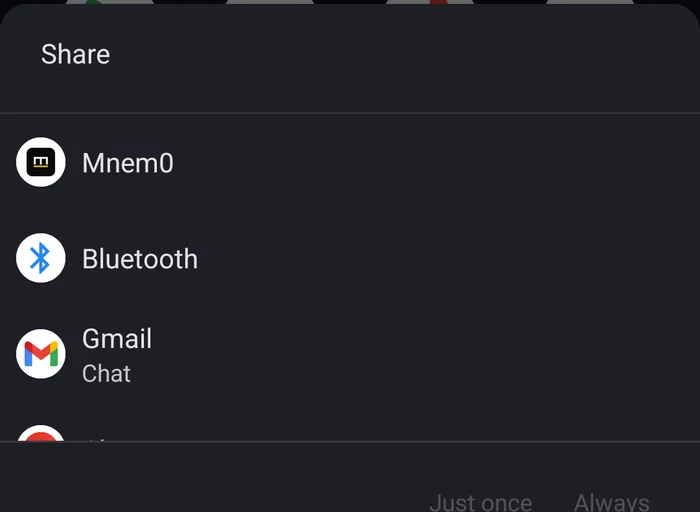
Download freeOpen the web app →In Photos, Files, your browser or any app, tap Share and pick Mnem0. On Android you can pick the workspace right in the share sheet.
Open Mnem0 and tap Add a photo or Add a file. Pick several at once.
Drag files onto the Mnem0 window or the notch, or use Add a file. They're on your phone a second later.
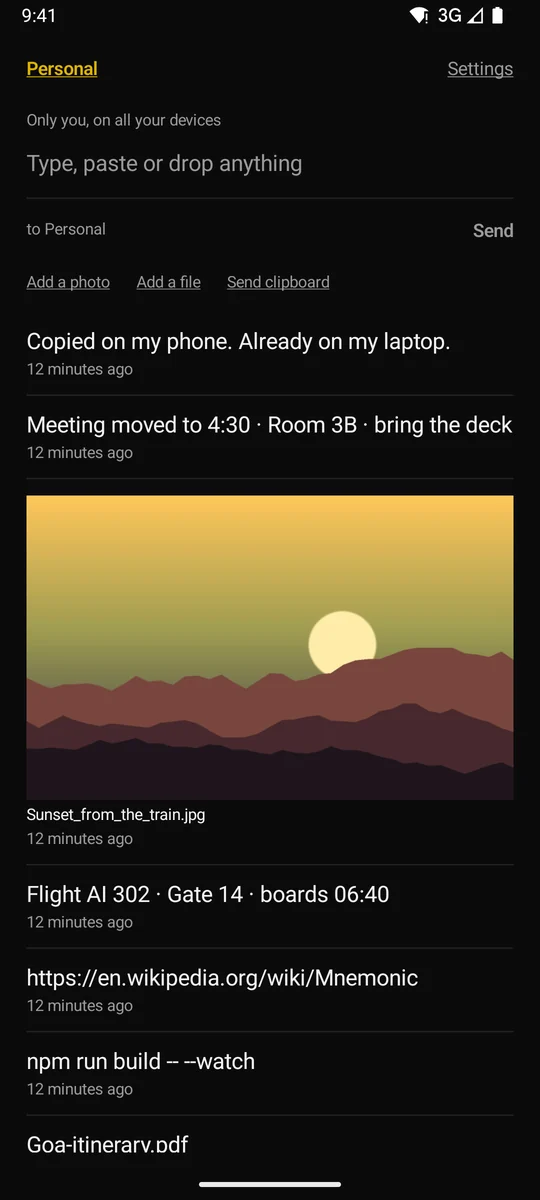
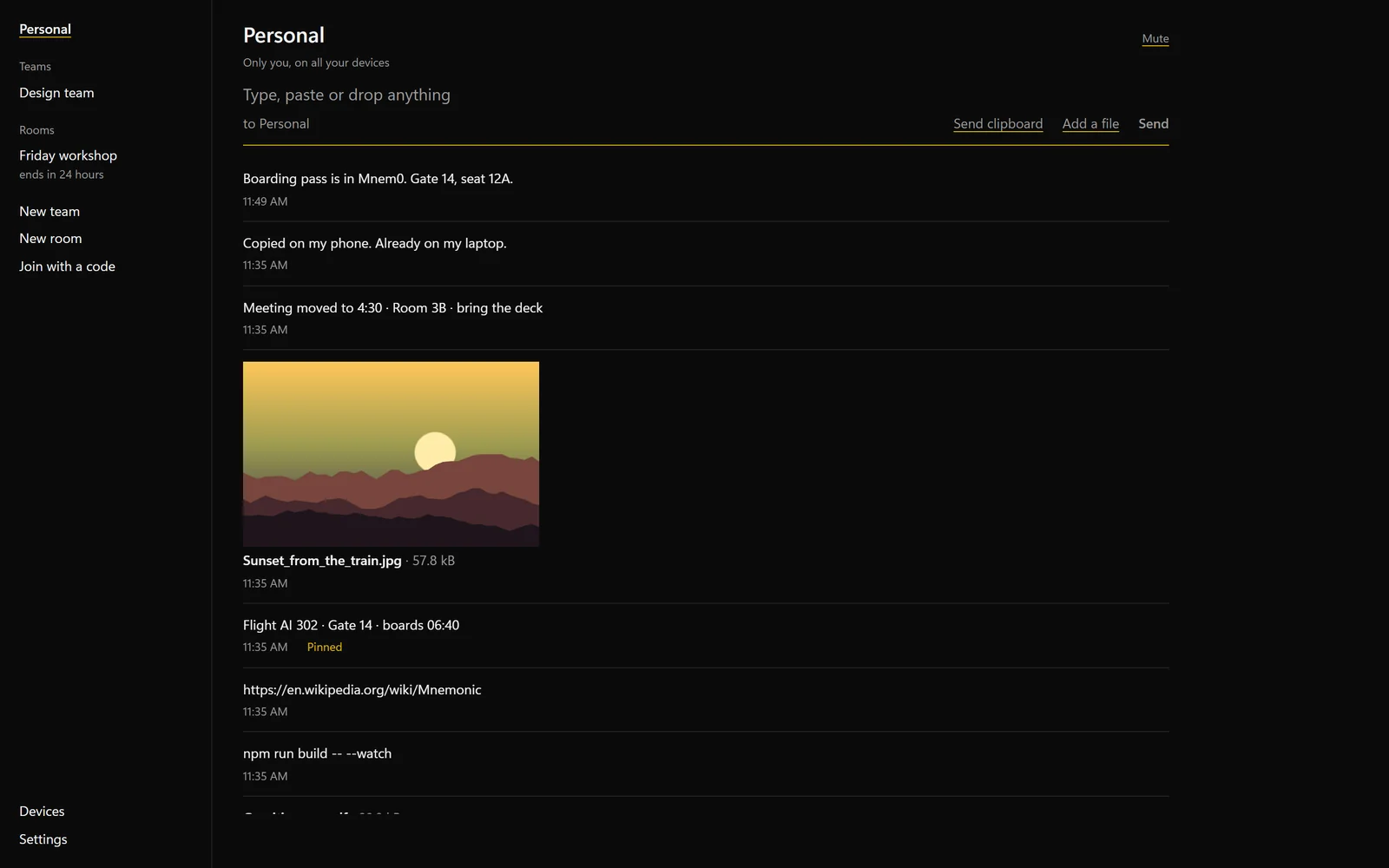
Chat apps shrink photos to save space. Mnem0 sends the original file, byte for byte, with its name.
Local-transfer apps need both devices on one network. Mnem0 works over the internet: phone on mobile data, laptop at the office.
Files stay in your history for 30 days on every device, and pinned ones until you unpin them. No re-sending.
Send from the plane. The file waits on your phone and goes the moment you're back online.
Share a photo from your phone and watch it land.